Long the preserve of large accounts, cyberattacks now target SMBs and public authorities first. ANSSI, the French national cybersecurity agency, confirms it: micro-businesses and SMBs account for nearly 77 % of the attacks it handles, and the number of incidents rose again by 40 % in 2025. The good news: it is the basics, properly applied, that protect best. Here are the five measures our teams deploy first for our clients across the Provence-Alpes-Côte d’Azur region, and for each one, the hardware suited to your size.
Turn on multi-factor authentication (MFA)
Your password is the key to your front door. The trouble is that a key can be copied: one booby-trapped email, one password reused from site to site, or one leak at a third-party service, and it is out in the open. Multi-factor authentication (often called MFA, or two-factor authentication) adds a second lock: on top of the password, proof that it really is you. Most often, a notification to approve on your phone. The result: even holding your password, an intruder stays outside.
It is, by some distance, the best value measure in all of cybersecurity. It is often free and already included in the tools you use every day: your mail, Microsoft 365, your remote access. And its effectiveness is not anecdotal: Microsoft estimates that it blocks more than 99 % of account takeover attempts. No other measure protects so much for so little effort.
People often tell us: “it is going to be a nuisance day to day”. In reality, set up properly, multi-factor authentication fades into the background. You confirm your identity only occasionally, on the devices you actually use, with a single tap on a notification. No more codes to copy out, no more sticky notes under the keyboard. All of the comfort is in the configuration: the difference between security you put up with and security you forget about lies in how it is set up.
There is no need to cover everything on day one. Turn multi-factor authentication on first where an intrusion would do the most damage:
- mail, the way in for almost every attack,
- remote access and the VPN, the route into your network,
- administrator accounts, which open every other door,
- financial management and payroll tools, direct targets for fraud.
Remember too to give each person only the access they actually need, your suppliers included: fewer open doors, fewer risks. This is exactly the kind of work our teams carry out for you: we turn multi-factor authentication on across your whole environment, we train your staff in a few minutes, and we handle the awkward cases (shared accounts, old applications, users without a smartphone) so that nobody is left stranded. You get the bulk of the protection, without the headache.
A next-generation firewall, sized for your organisation
The firewall is the guard post between your network and the internet. An older model simply opens or closes doors. A next-generation firewall reads what passes through: it recognises an intrusion attempt, a booby-trapped site or software already installed trying to call home, and it stops it before your workstations are affected.
But the box does not do everything, and that is where it matters most. Straight out of the carton, with its factory settings, a firewall lets through far more than it should. Above all, its protections rely on an active subscription: that is what updates the list of known threats, every day. Once the subscription expires, the device keeps showing a green light while defending you as it did two years ago. Many companies believe they are covered when they are not. Real security comes from the configuration and the follow-up over time, not from the brand on the box.
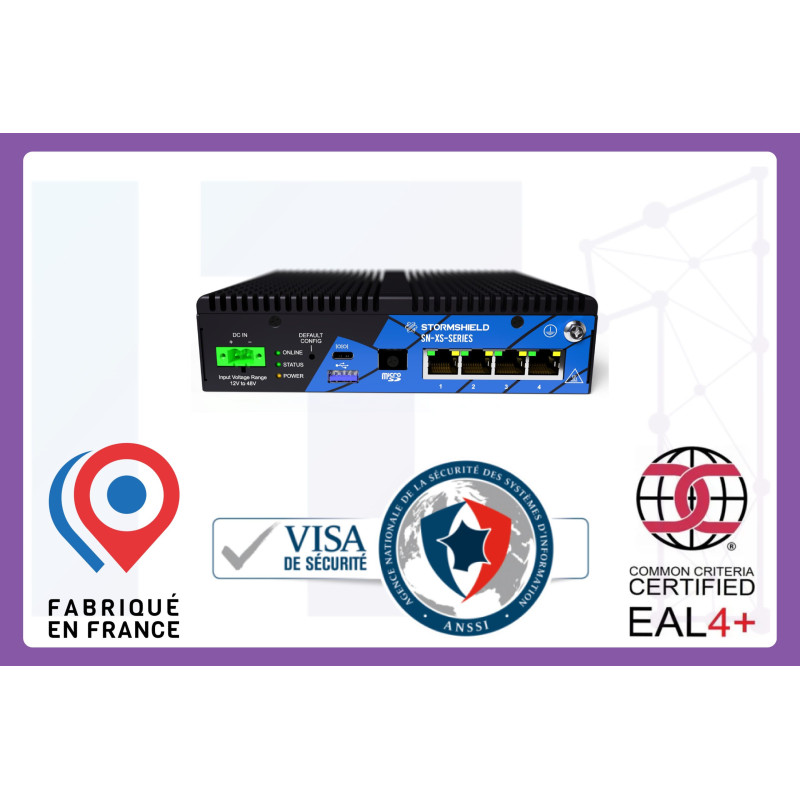
The right choice is also a question of sizing: too small and the firewall throttles your connection; oversized and you pay for nothing. We deploy Stormshield firewalls, designed in France and recognised by ANSSI, from the isolated site to the multi-site company. Our teams tune them to your activity, keep the subscription and the protections up to date, and watch the alerts on your behalf:
- Very small organisation, branch or isolated site: the SN-XS-Series-170, compact and silent.
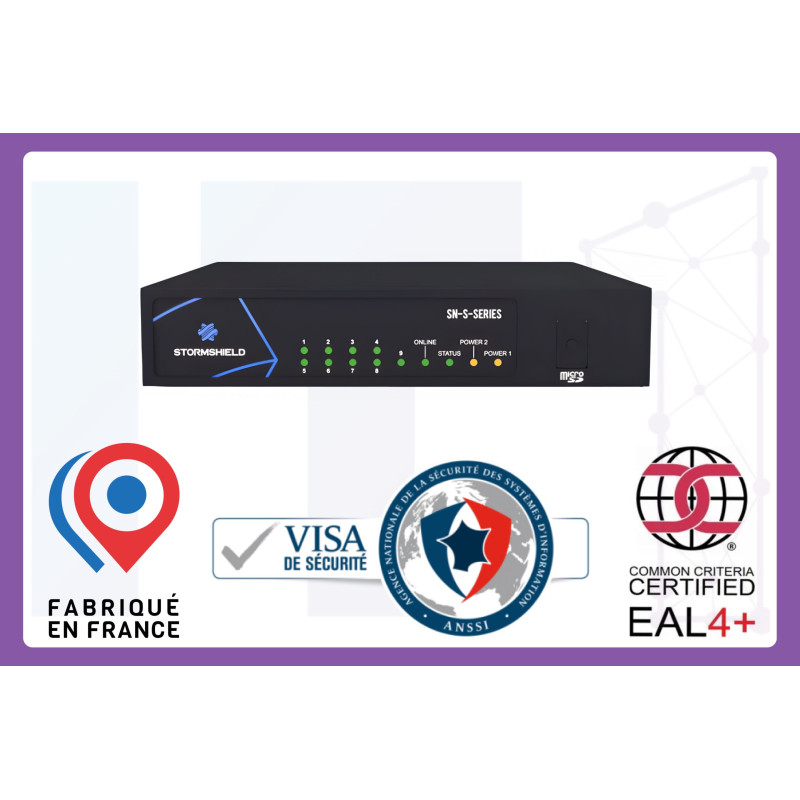
- Small business: the SN-S-Series-320.
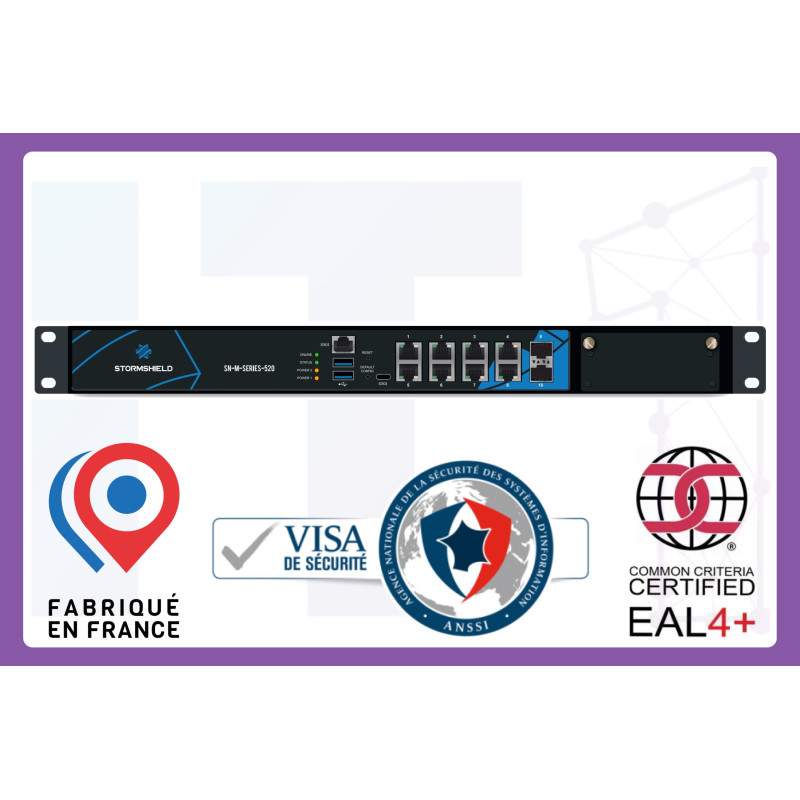
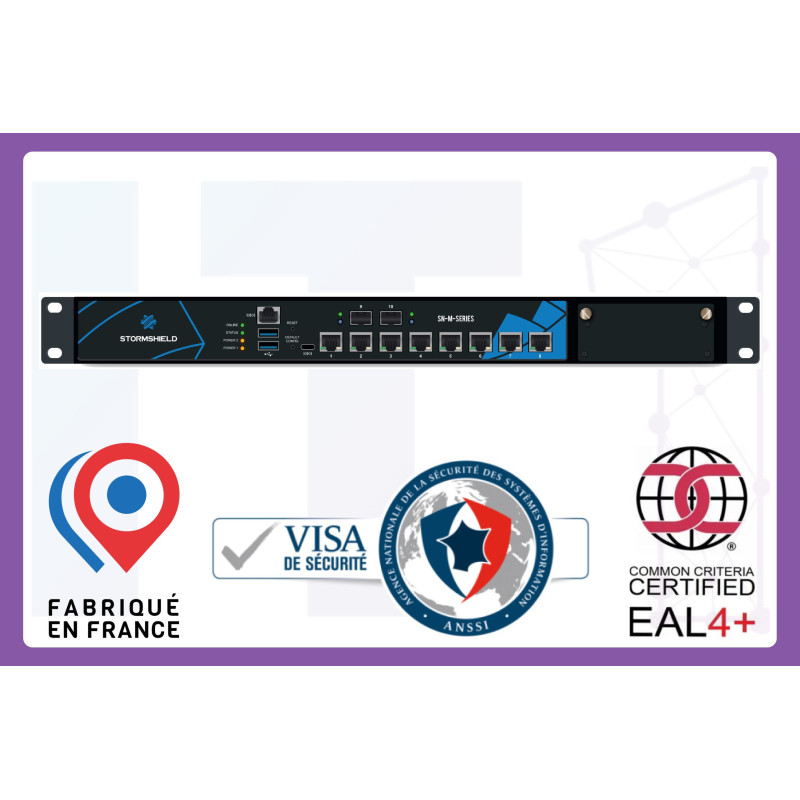
- Medium-sized business: the SN-M-Series-520, in a rack format.
- Several sites or heavy traffic: the SN-M-Series-720, the most powerful, with dual power supplies so it does not go down.
Firewalls
- Your internet connection filtered and protected from threats
- Your remote workers connected from a distance, securely
- Your different sites linked together, encrypted
- The right access for the right people, and nothing more
- Delivered up to date, with the vendor’s latest protections
The firewall that fits your organisation
From the isolated site to the multi-site network, sized, configured and monitored by our teams.
Next-generation antivirus on your workstations and servers
A classic antivirus works like a doorman with a set of photographs: it stops the threats already known, but lets in the ones it has never seen. And thousands of new variants appear every day. EDR takes a different approach: instead of looking for a specific virus, it watches behaviour. A program that suddenly starts encrypting hundreds of files, a workstation busy in the middle of the night: it spots it, raises the alert and can isolate the machine from the rest of the network before it spreads. That is why ANSSI recommends it as a priority.
The trap would be to think installing it is enough. An EDR produces alerts that have to be read and acted on, including at night and at weekends, which is precisely when attacks are launched. An EDR nobody watches is a smoke detector in an empty house. We build on the Trend Micro range, which our teams deploy, monitor and act on remotely, according to your size:
- Small and medium-sized business: Worry-Free Business Security Services, simple and managed for you.
- Larger organisation: Apex One, more complete, with a central management console.
- Many servers or cloud hosting: Deep Security, built for those environments.
These solutions also cover a case people often think is hopeless: machines still running old versions of Windows that Microsoft no longer updates. An old business server, a workstation driving a production machine: they cannot be replaced overnight, but every new vulnerability exposes them a little more. Deep Security can protect them through “virtual patching”: it blocks the exploitation of known vulnerabilities at network level, without installing anything more on the machine. Enough to keep that equipment running safely while its replacement is prepared.
Antivirus and endpoint protection
- Your computers and servers protected from viruses and ransomware
- A threat spotted and blocked before it spreads
- A suspect workstation isolated remotely, with no engineer on site
- Booby-trapped emails filtered before they reach the inbox
- Monitored by our teams, updates included
Protection for workstations and servers
From the small organisation to environments with servers, deployed and monitored by IT1 Connect.


Separate your uses, from the switch to the Wi-Fi
When all of your equipment shares the same network, one infected workstation is enough for the threat to reach everything else: the other computers, the servers, sometimes even the backups. That is exactly how ransomware moves from one machine to the whole company in a few minutes. The answer: separate uses into distinct lanes. Office work on one side, production on the other, a separate network for visitors and for connected devices (cameras, printers, badge readers), often the weakest links. If one is compromised, the others stay out of reach.
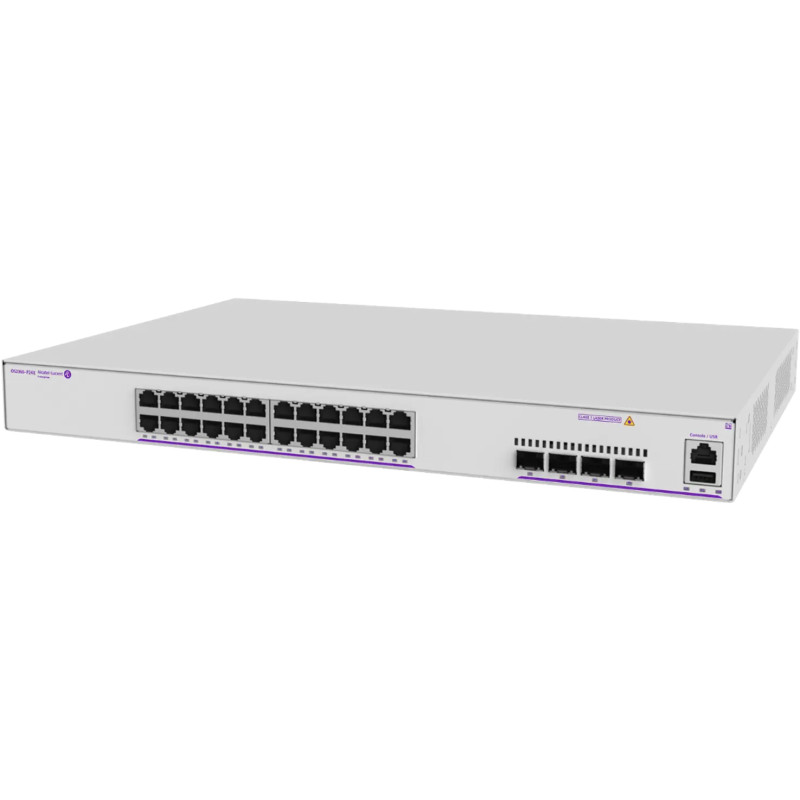
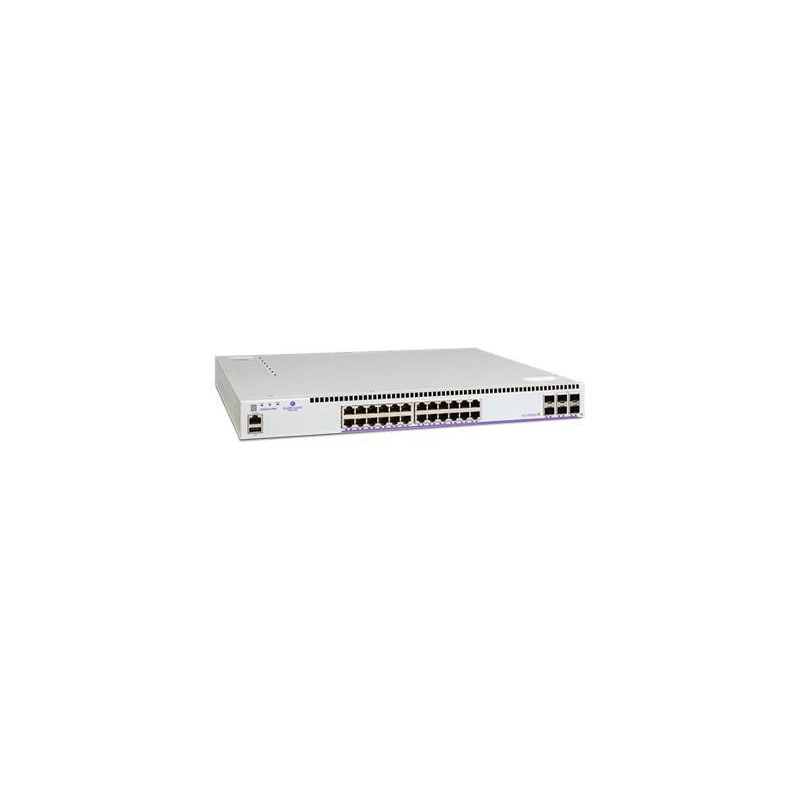
This separation is configured on your switches, the boxes where all of your cables come together, and the firewall then controls what is allowed to pass from one lane to another. A network left “flat”, without that division, cancels out much of the effect of every other measure. We deploy Alcatel-Lucent OmniSwitch switches, from the small site to large premises, which our teams configure and connect to your firewall:
- Small site: the OmniSwitch 2360, simple to manage.
- SMBs and branches: the OmniSwitch 6360, which grows with you.
- Larger premises or many workstations: the OmniSwitch 6560, faster and more durable.
Switches
- Your networks cleanly separated: office, telephony, guests
- Voice and video smooth, even under heavy load
- Every network socket protected against unauthorised connections
- A network ready to take your equipment, with no setup on your side
The switches that separate your networks
Alcatel-Lucent OmniSwitch, from the small site to large premises, configured by our teams.
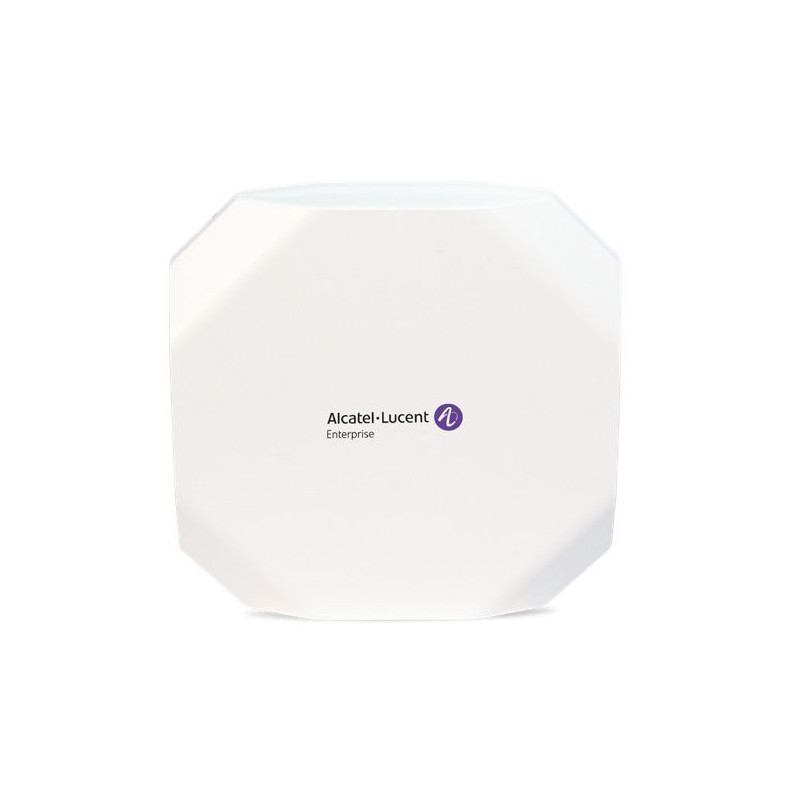
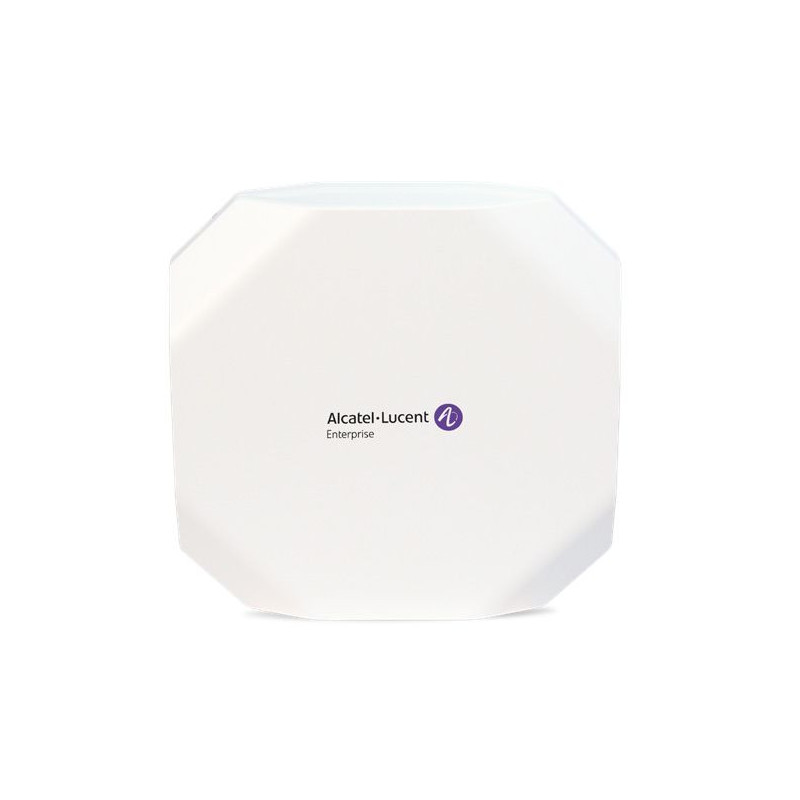
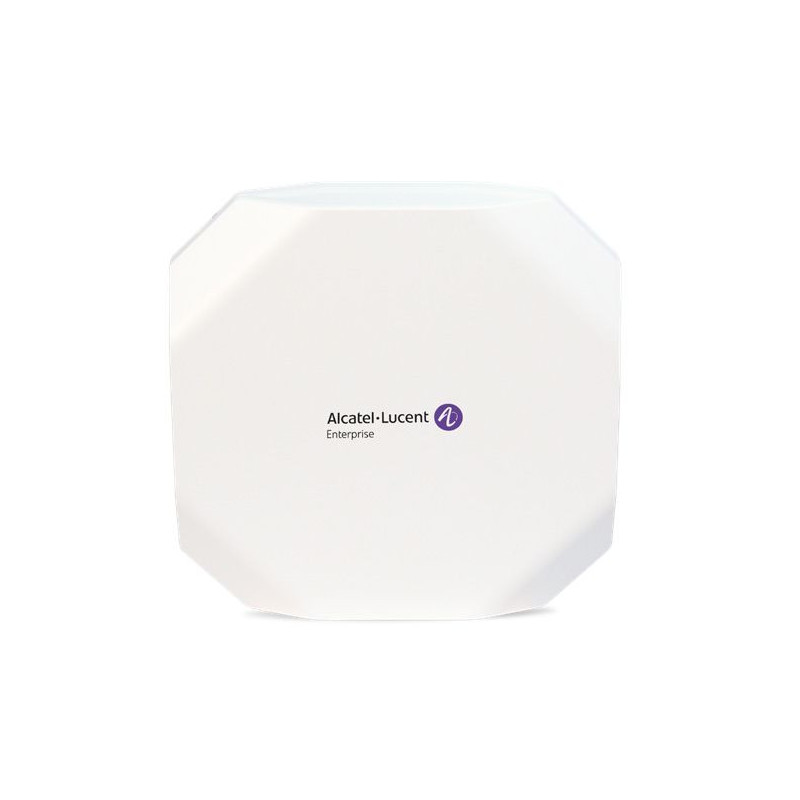
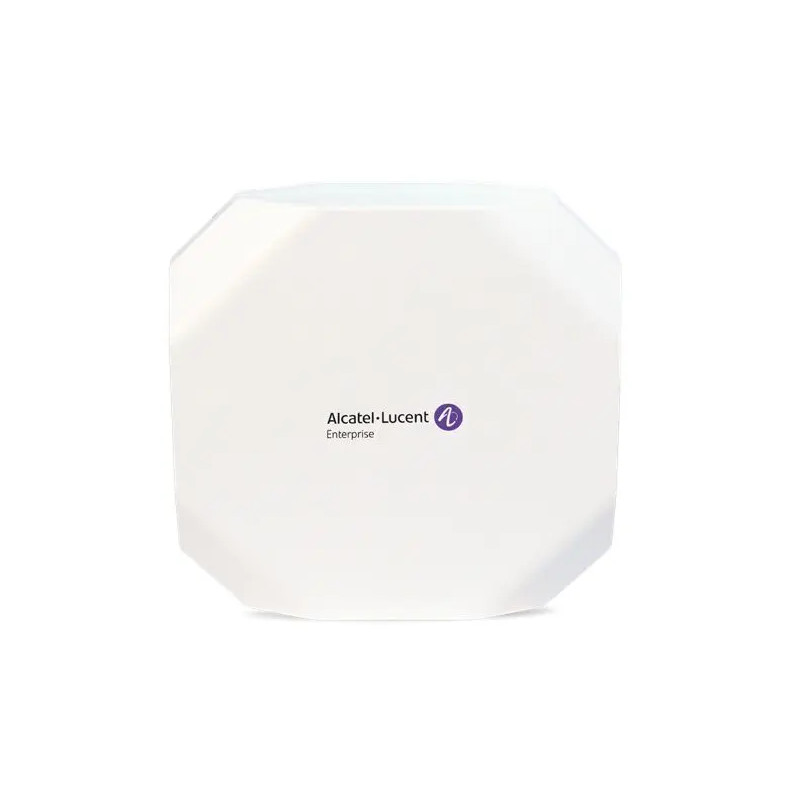
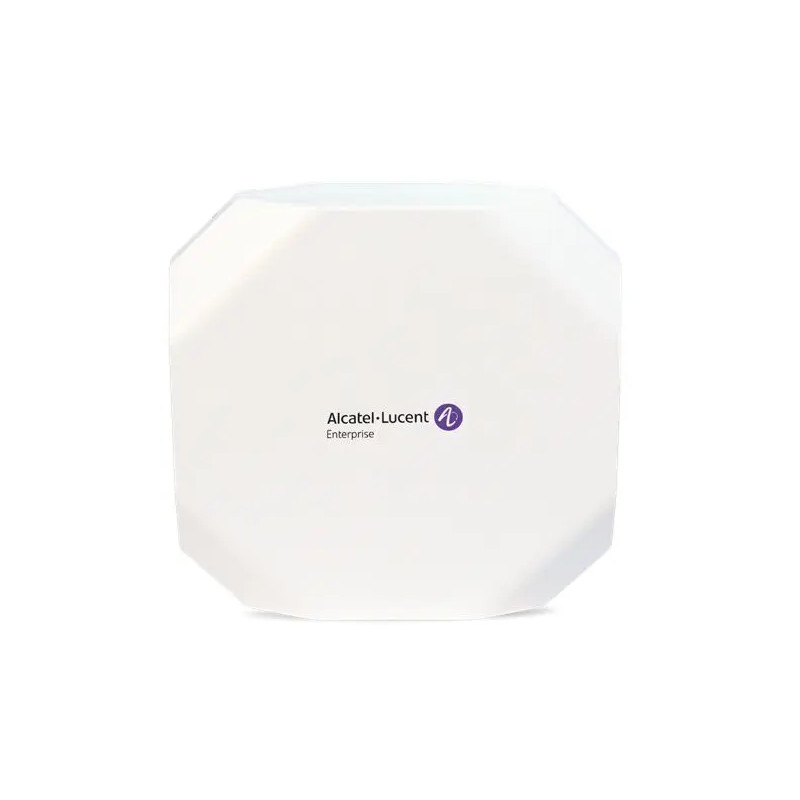
Your Wi-Fi access points follow the same logic. The common mistake: a single Wi-Fi network for everyone, where a visitor’s phone ends up on the same network as your files. What you need instead is one network for your teams and a completely separate guest network, plus enough coverage to move around the premises without dropping out, even when they are full. We install Alcatel-Lucent Stellar access points, from the small office to large spaces, planning the coverage to avoid dead zones, up to Wi-Fi 7 to last several years:
- Office or small branch: the AP1301 access point.
- Busier premises: the AP1321 access point, more capable.
- Open plan, public reception, heavy footfall: the AP1351 access point, top of the range.
- To prepare for the future: the AP1511 and AP1521 access points on Wi-Fi 7, the very latest standard, faster and more comfortable when many devices connect at once.
Wi-Fi access points
- Your Wi-Fi ready to use: network and password already set up
- A guest Wi-Fi network separate from your internal network
- Coverage optimised, with no dead zones
- Move around the premises without dropping the connection
- Available in Wi-Fi 7, the very latest standard, to stay settled for several years
Professional Wi-Fi, ready to use
Alcatel-Lucent Stellar access points, from the office to large spaces, with a separate visitor network.
Back up your data, and check that it comes back
Against ransomware, the kind of malware that holds your files hostage for a payment, the backup is your last chance to start again without paying. It still has to be out of reach itself: recent attacks look first to destroy or encrypt the backups they can get to before striking. A backup permanently connected to the network goes down with everything else.
The rule to remember comes down to three numbers, 3-2-1: three copies of your data, on two different media, one of them kept off site and disconnected. And the point almost everyone forgets: testing from time to time that it really does restore. A backup that has never been tested is a false sense of security, and you only find out at the worst possible moment. Ask yourself the real question too: how long can your business stay at a standstill? Our teams put this 3-2-1 rule in place, keep one copy out of reach, test the restores and alert you if a backup fails, so that on the day it happens, you are back up quickly.
Backup
- Your data copied automatically, every day
- One copy kept off site, safe from fire or theft
- One copy out of reach of ransomware
- Restores tested, so you are back up quickly if something goes wrong
- Monitored by our teams: you are told if a backup fails
Where to start
Good cybersecurity is not the kind that ticks every box at once, it is the kind that moves in the right order. Three steps already cover the largest share of everyday risk: turn MFA on for your sensitive accounts, check and above all test your backups, then deploy an EDR on your workstations. Network separation and a properly sized firewall come next, without turning everything upside down. Starting with those three already takes you from an easy target to a company that discourages most attacks.
The step that changes everything is knowing where you really stand. Our teams carry out a review of your exposure, prioritise the actions that matter for your business, then deploy the hardware suited to your size, configured and monitored. No endless catalogue: the right measure, at the right time, for your context.